|
|
|
|
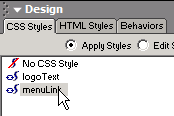
Although the Image Gallery is now completely functional, the front-end is not exactly pretty. In this page you will create a CSS stylesheet, and define your own styles to jazz up the index page.
To define a new stylesheet, go to the design panel
and click the New CSS Style button as shown
below:
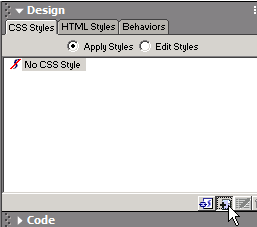
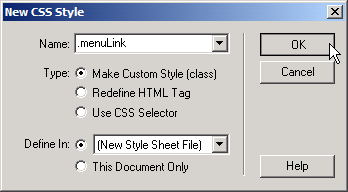
This will bring up the New CSS Style interface,
where you define a new style, and the stylesheet file to contain it. In
this case, you will be creating a new file:
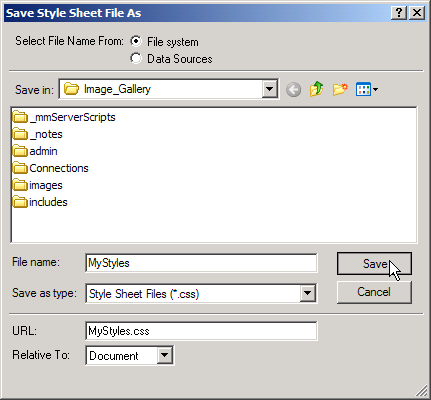
Save As
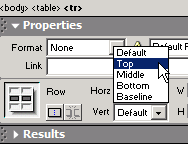
Aligning table cells at the top:
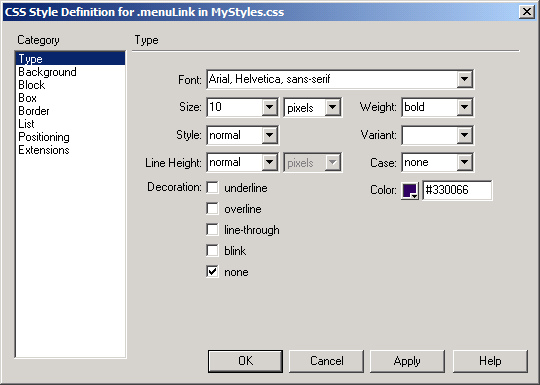
Specify settings for your new style:
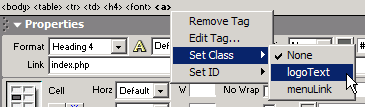
Adding class to a specific element:
Modify existing style: