Product upgrades
This menu of the
has the role of checking the server
for available product upgrades and informing the user about the existence
of new ones. The user will be able to login to the server and download
the latest available versions (for which they have the permission to upgrade):
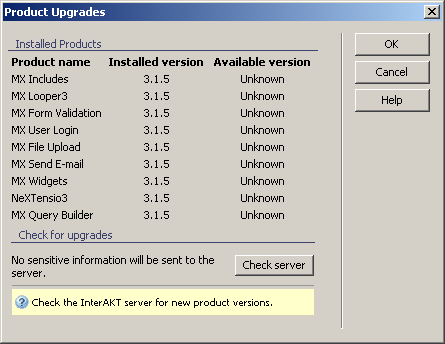
To set the dialog box options, follow the next steps:
- Use the
button to check the website for
upgrades. You will be notified both if there are available upgrades (if
so, you will be asked to login) or if there aren't any available upgrades.
The button will turn into
a button if any product upgrades
have been found, allowing you to download them.
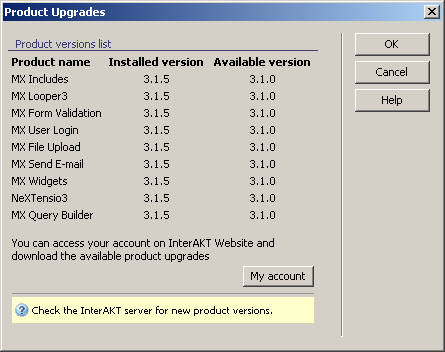
In there are no available upgrades, you will be reassured of this in
a new interface:
- The three buttons on the right of the interface offer
you the next functionalities:
· Click when you are done configuring the dialog box.
· Click to exit without checking
the server or without upgrading.
· The button takes you to this help page.
