|
|
|
|
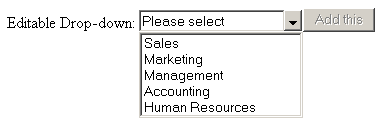
When placing an Editable Drop-down widget in a page it changes the default behavior of a text field in the following way:
While typing, the text field displays the closest match found in the database. As long as it finds a closest match the "Add this" button is not active.