
|
|
|
|
To delete a relation
between two tables, right click on the line connecting the tables:
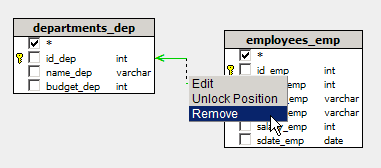
In the menu, select the Remove option.
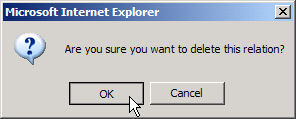
You will then be asked to confirm the removal:
When a relation is removed, several things happen. Here are some things to notice:
The line connecting the two tables is removed.
The JOIN statement is removed from the SQL Query.
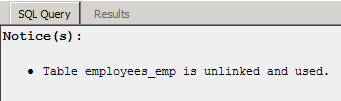
If table is no longer linked to anything, an error
message appears in the SQL/Results Preview Panel.
Foreign Key icon is removed.
The next section will describe
using the Query Management Panel to retrieve exactly the data you want.